Ok folks, before I continue, I do work for 2Pint Software, and DeployR is one of our products, that said, I believe in the product and it’s one of the main reasons I joined 2Pint, to be part of the amazing team that created this product. I’ve been enjoying partnering with organizations to meet their OSD needs assisting in their DeployR journey.
Now that MDT is no longer published by Microsoft, and support ended awhile back, it’s really time for folks to move on to a replacement of MDT, I recommend DeployR for that familiar Task Sequence presence. DeployR – 2Pint Software
I’m not going to go into depth here about the product, but besides just an MDT replacement, it helps fill many other gaps, you can read about those on our website. This post was my way of announcing that I’ll be doing a lot more OSD blogging about DeployR in the future.
Oh, I will mention one more thing, P2P, it’s all native, you don’t have to do anything additional. Just by using it, it will pull content from other devices on the subnet that already have the content. I host my DeployR server in Azure, so the fact that it will pull content locally is a huge cost savings.
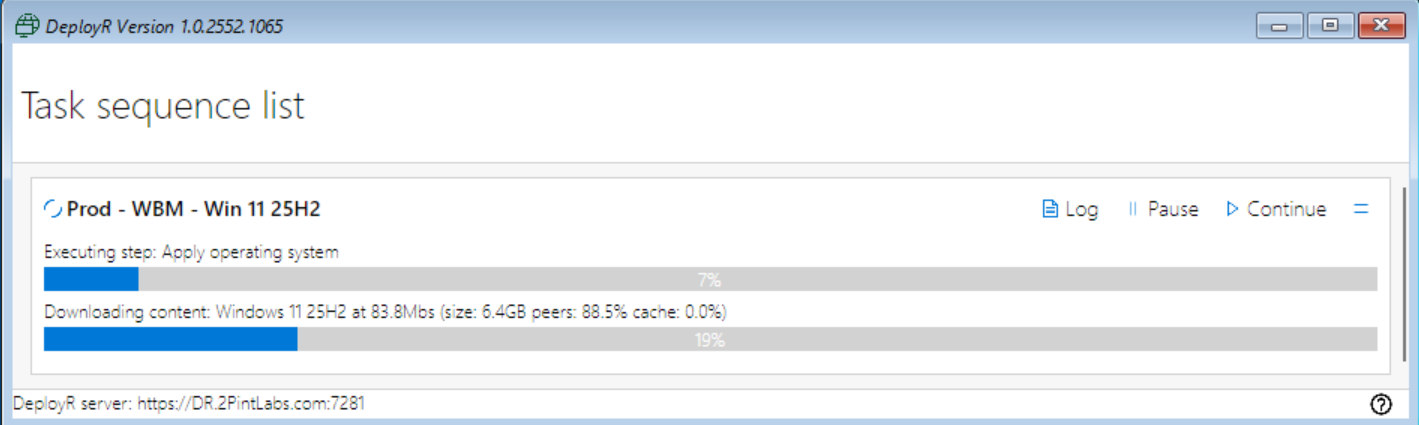
I’ve been heavily using DeployR for about 9 months, and have developed “addons” for it, along with several other scripts for automated server setup. Everything is on GitHub:
My GitHub for DeployR content: https://github.com/gwblok/2PintLabs/tree/main/DeployR
Eventually some of this will be moving to the official 2Pint GitHub, but if you want to see my most recent endeavors and current projects, you can find it there.
Things I’ve created: PowerShell Front End: PowerShell OSD Frontend Project
I’ve also created several Step Definitions to help you automate driver installs, UI modifications, and so on, which are hosted on GitHub and I’ll be blogging about in more detail soon. Welcome to the OS Deployment for the next generation of cloud and on prem managed devices.
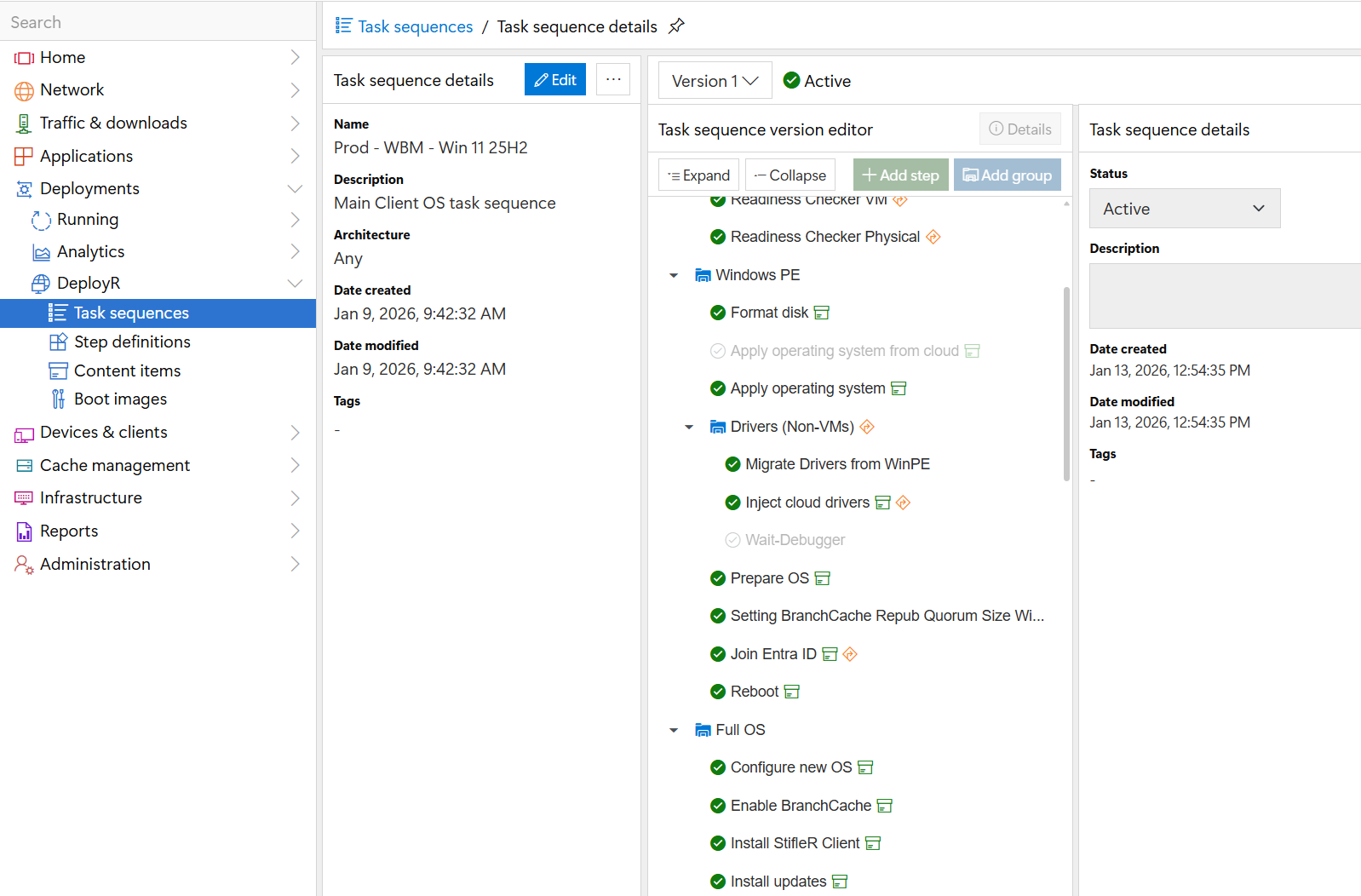
This is hard to see but I just wanted to show you can make a TS accommodate any situation, with your TS friends of variables and conditions, you’ve got the tools at your disposal to be as creative as you’d like when developing your task sequence.

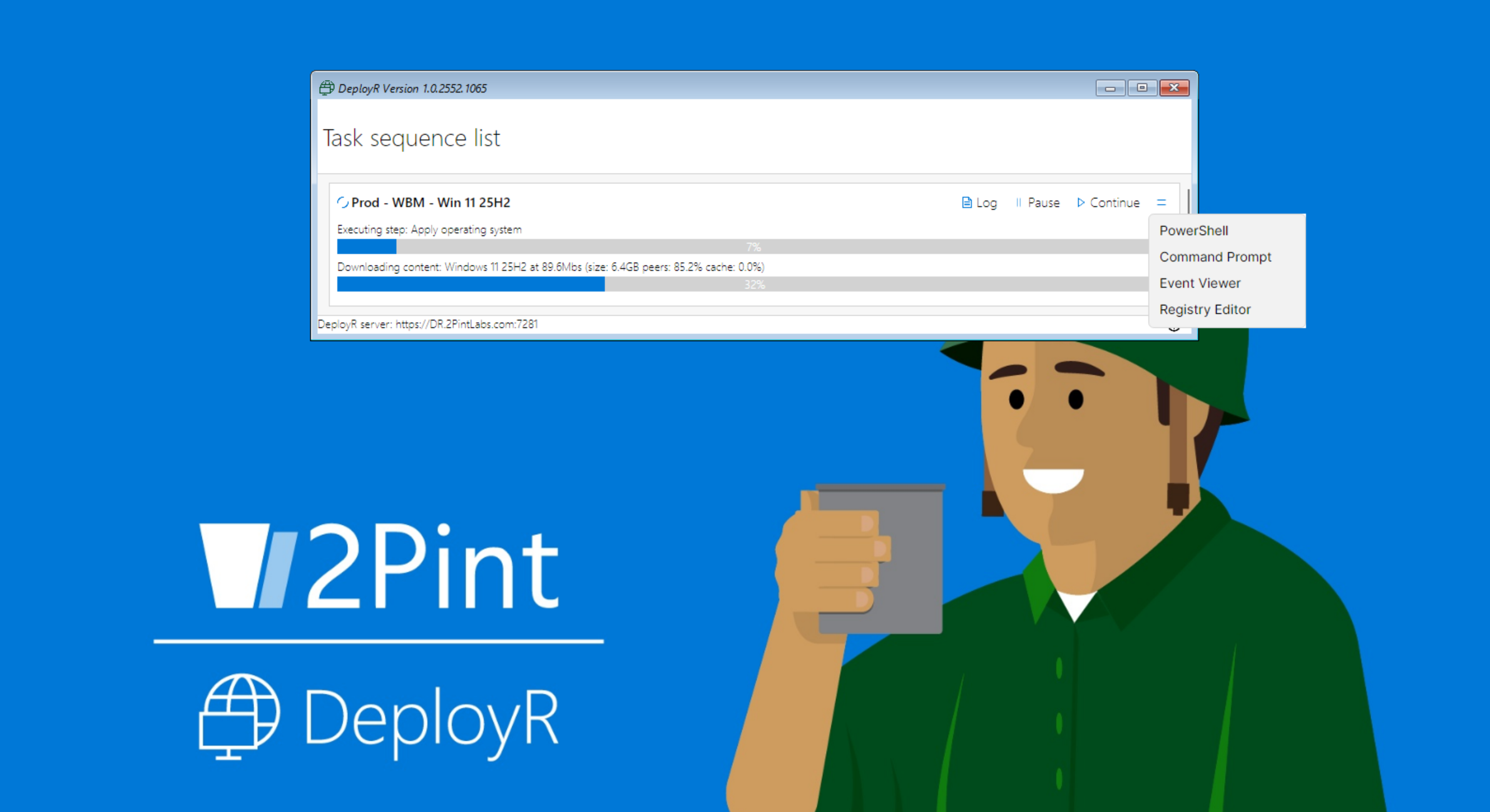
Here is the TS running in WinPE, it has tools available for you to troubleshoot with if needed, click on the two blue lines to the right of the continue button, and you get a menu of options to launch.
If you have questions, find me on Discord, I’m happy to talk more technical about DeployR, or come find us at MMS and many other conferences, and of course at our website. 2Pint Software